


Fastlearn10x

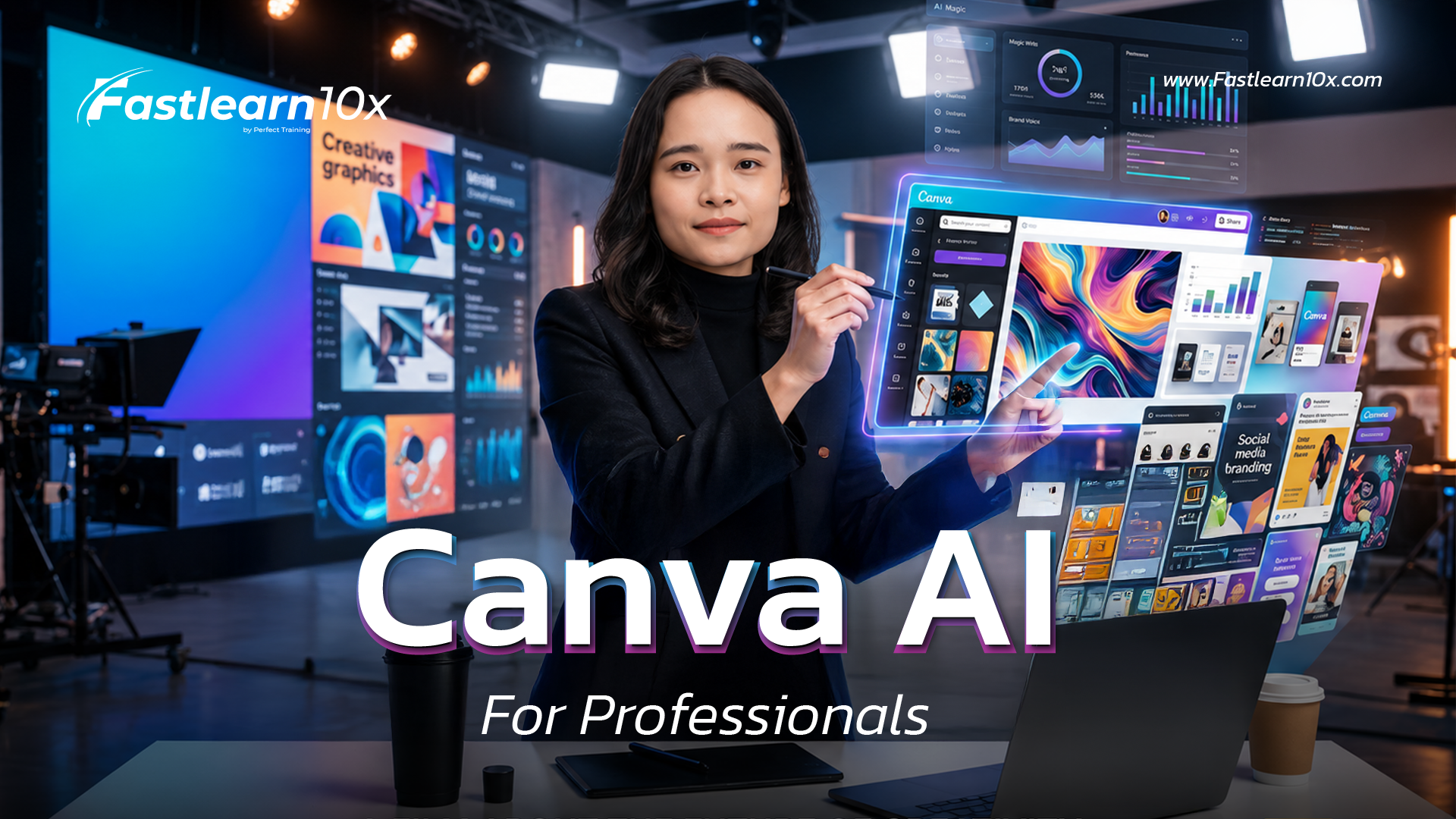
Canva AI For Professionals: Canva AI to enhance productivity.

Upgrade your work skills faster and stand out with Canva AI. Learn in-depth, from an overview of usage to applying Canva Code to create professional presentations, graphics, and videos. Even without design experience, you can do it in minutes.
Video preview
  • Description
  • Curriculum
  • FAQ
  • Reviews

In an era where organizations and employees are constantly pressed for time, "the problem of time-consuming presentations" or "a lack of graphic design skills" have become major bottlenecks that reduce productivity. The Canva AI For Professionals course is designed to solve this problem!

We'll help you push the boundaries of design by using Canva AI, the hottest tool for breaking down design barriers. Whether you need to create presentations, pitch quick projects, design marketing graphics, or even use Canva Code for advanced techniques to build registration systems and videos, this course will transform previously difficult tasks into simple ones.

inhouse design course

Can I study this if I have no design background at all?
Absolutely! This course is designed specifically for those with no prior experience. Canva AI will act as your personal designer, helping you brainstorm and design. All you need is an idea, and you can start creating your work immediately.
Do I need to subscribe to Canva Pro?
Free Canva users can learn the basic features, but to fully unleash the potential of AI as taught in the tutorials (such as Magic Switch, Magic Media, or advanced AI tools), upgrading to Canva Pro is highly recommended.
After graduation, will I be able to use Canva AI in real-world work?
Yes, the course content focuses on practical applications, such as creating presentations, infographics, posters, graphics, images, and videos, as well as using Canva Code to help improve work efficiency.
What is Canva Code in this course? Do I need to know how to program?
You don't need to know how to program at all! Canva Code here refers to the application of advanced add-on features (Apps/Integrations) within Canva that allow you to easily embed code or create automated systems (such as registration forms) using drag and drop.
What skills will I gain after graduation?
Students will be able to use Canva AI to create professional digital media, including presentations, infographics, posters, graphics, images, and videos. They will also understand how to use Canva Code and confidently leverage AI to reduce work time, improve work quality, and enhance efficiency in the digital age.
Get course 990฿ 1,290฿
One time purchase
990฿ 1,290฿
Buy course Certificate included
Share
Course details
Duration 59 minutes
Lectures 9
Video 8 lessons
Quizzes 1
Level basic
There is a certificate upon completion of the course.
Unlimited re-learning for life.
Access your classes from any device, including smartphones, tablets, computers, and smart TVs.
Basic info
  • Time-saving Reduce the time spent creating slides and graphics from hours to just minutes.
  • Elevate the quality of your work (Professional Look) The work created is beautiful and meets the standards of a professional designer.

  • Unlock new skills (Advanced Skills) Understand and use Canva Code to create a real registration system and videos.

  • Adding value to yourself (Career Growth) Apply AI skills to enhance the capabilities and efficiency of your organization.
Course requirements
  • 💻 A computer, laptop, or tablet with an internet connection.

  • 🌐 A Canva account (Canva Pro or Canva for Teams is recommended for access to the full AI features, but free account users can start learning the concepts).

  • 🔥 Be ready to embrace new technologies for an easier work life!
Intended audience
  • Office worker / Salaried employee Who regularly has to create report slides, presentations, or summarize information.

  • Marketer / Content Creator For those who need to create graphics and videos quickly and beautifully.

  • HR / Admin / Training Department That requires managing the registration system or creating internal organizational promotional materials.

  • Business owners / entrepreneurs Those who want to reduce design costs and control their own brand direction.

We use cookies to improve the performance and provide a better user experience on our website. You can find more details here. Privacy Policy And you can manage your privacy yourself by clicking on... Set up

Privacy Preferences

You can choose your cookie settings by enabling or disabling each type of cookie as needed, except for essential cookies.

Allow All
Manage Consent Preferences
  • Always Active

Save